How It Works
LeadHUnter uses advanced AI to automatically scan your local Nextdoor communities post,
detect job opportunities (cleaning, lawn care, painting, handyman, remodeling, etc.),
translate them to your language, and notify you instantly.
Step-by-Step: How to Use the App
-
Download and Install the App
Install the LeadHunter app on your phone using the download link.
-
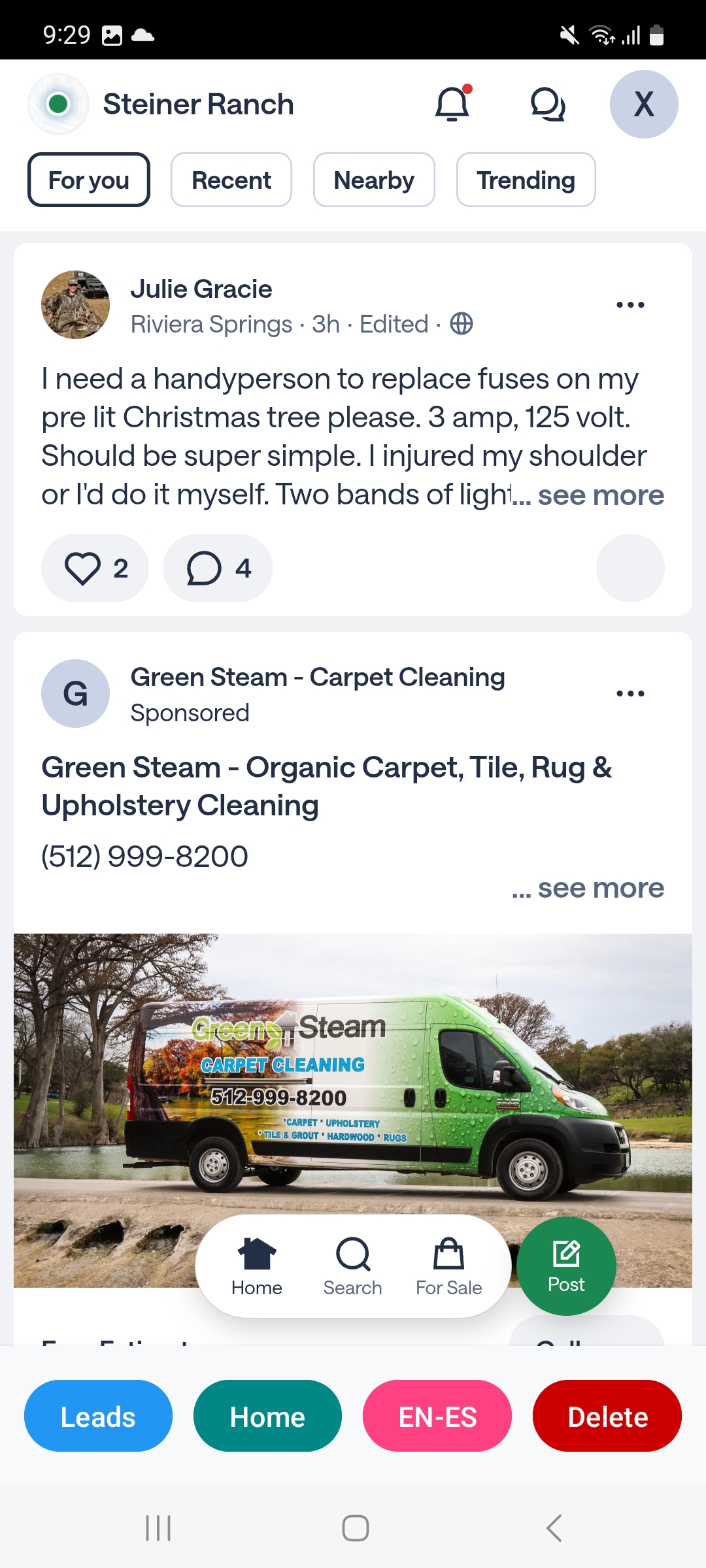
Login to your Nextdoor
Use your own Nextdoor account to login Nextdoor, if you don't have one, just sign up.
and our AI Browser start to work for you, and you don't need to read post one by one.
-
AI browser Nextdoor post in Real Time
Every minute, LeadHunter automatically analyzes new posts and determines:
- Is this a job opportunity?
- Which category does it belong to?
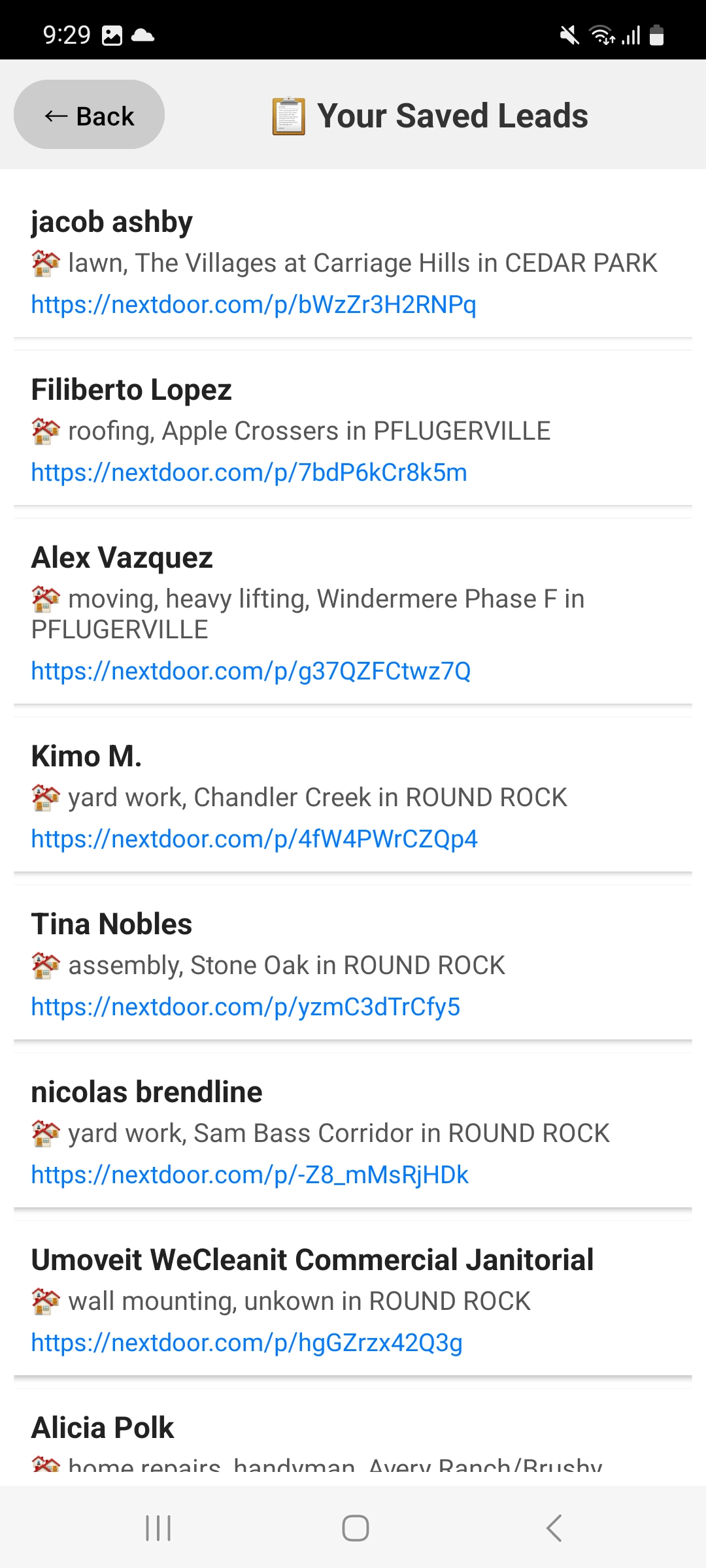
- If it's a job opportunity, add into your Leads.
- If you want to see personalized lead, just create an account..
-
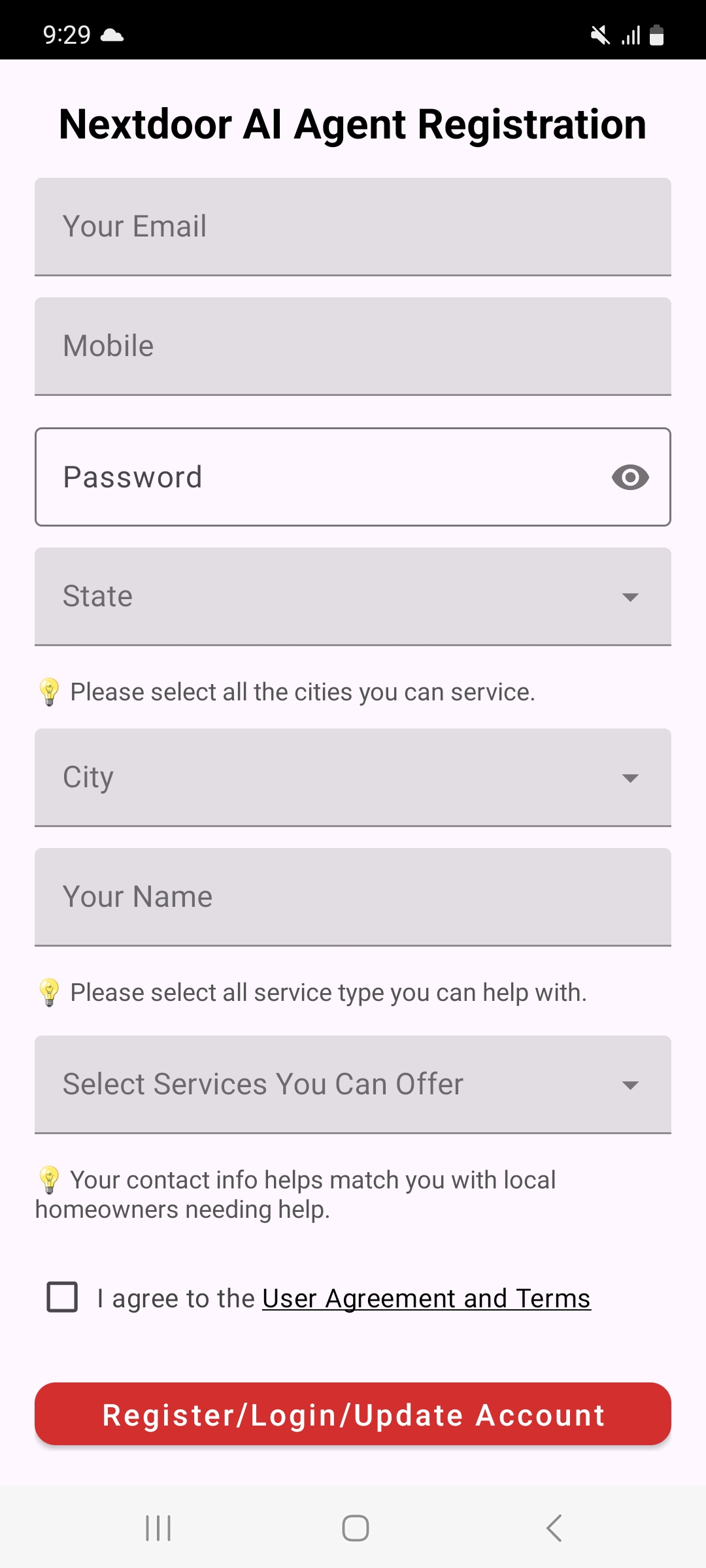
Create an Account
Register using your email or mobile number.
The system will create your personalized AI feed.
-
Select Job Categories
Choose the types of work you want to find, such as:
Lawn care, home cleaning, painting, handyman, remodeling, roofing, fencing, windows, etc.
-
Choose Your Cities & Areas
Select the geographic areas you want to work in.
The AI will only scan your chosen neighborhoods.
-
You Receive Instant Notifications
When a homeowner posts a job that matches your interests,
you get a push notification right away.
-
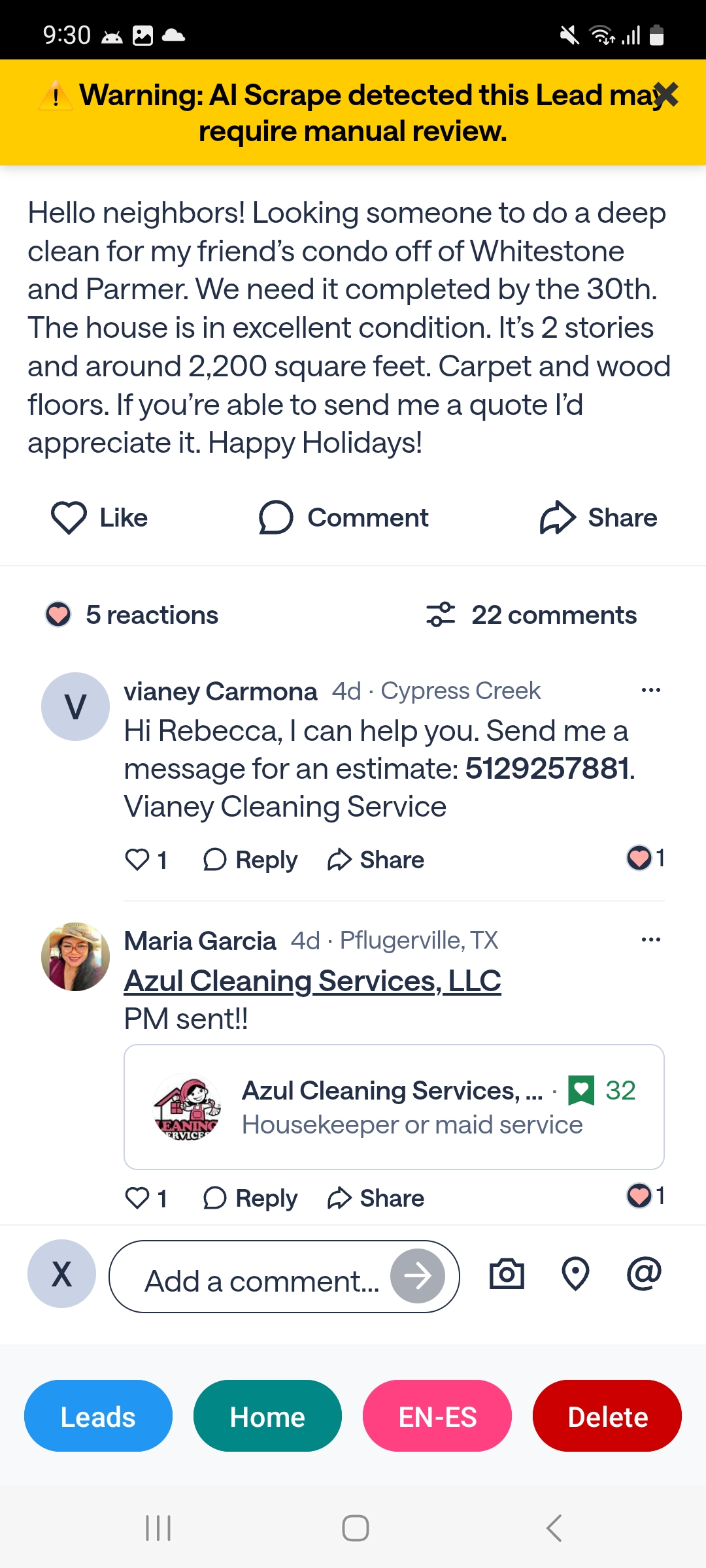
Tap to View the Post & Contact the Homeowner
You will see the original post and can reply or contact the homeowner directly through Nextdoor.
App Screenshots
Below are sample screenshots showing each step in the app: